
Generate the BIR alphalist (Form 1604C Annex A)
The BIR alphalist lists every employee's annual taxable compensation and withholding tax withheld. Generate it in OneHRIS after the final payroll run of the year and submit it through eBIRForms or eFPS by January 31.
Prepare before generating
Before generating the final alphalist:
- Run and approve the December payroll, including the year-end tax adjustment.
- Confirm that all employees have a TIN on file. Open the employee record, select Actions, then Edit Employee, and check TIN under Government & Compliance.
- Confirm that all 13th month pay runs for the year are approved.
Generate
- Open Reports, then Government.
- Select BIR Alphalist.
- Choose the Year.
- Select Generate.
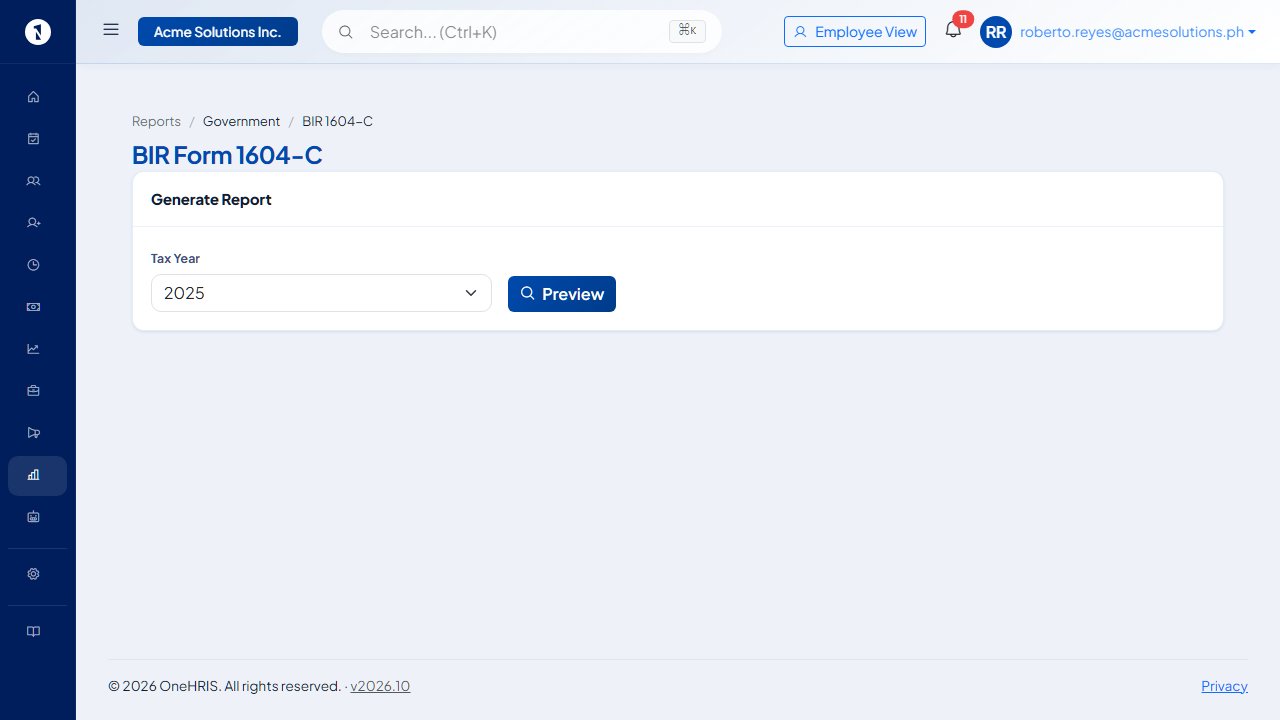 The year and the number of employees to be included. Employees with missing TINs are listed separately.
OneHRIS produces an Excel file in the format required by BIR, with each employee on a separate row.
What the alphalist contains
| Column | What it shows |
|---|---|
| Employee name | Last name, first name, middle name |
| TIN | Tax identification number from the employee record |
| Status | Regular employee or minimum wage earner |
| Taxable compensation | Gross compensation minus non-taxable items |
| Tax withheld | Total withholding tax deducted during the year |
| Non-taxable benefits | 13th month pay and other benefits within the ₱90,000 ceiling |
Review before submitting
Check a sample of rows against the year-end payslips and BIR Form 2316 for those employees. The taxable compensation on the alphalist should match what appears on the employee's Form 2316.
See BIR Form 2316: a complete employer guide for how 2316 relates to the alphalist and the year-end tax adjustment.
Questions people ask
When is the alphalist due?
BIR Form 1604C with Annex A is due on or before January 31 of the year following the taxable year.
What if an employee's TIN is missing?
They are flagged in the report. Add the TIN to the employee record and regenerate.
Can I generate the alphalist before December?
Yes. Generate it at any time to review year-to-date figures. The final submission should use the December run including the year-end tax adjustment.
What about employees who resigned during the year?
Separated employees are included for the months they were active. Their figures come from the approved payroll runs for those months.
Where do I file it?
Through the BIR's eBIRForms or eFPS (Electronic Filing and Payment System), under Form 1604C.
Sources
- BIR Revenue Regulations No. 11-2018 (TRAIN Law, withholding tax on compensation)
- BIR Form 1604C and Annex A